
Work faster with practical creator tools.
Preview the tools included inside the AI Learning Hub. Members can unlock and use every tool with their member login.
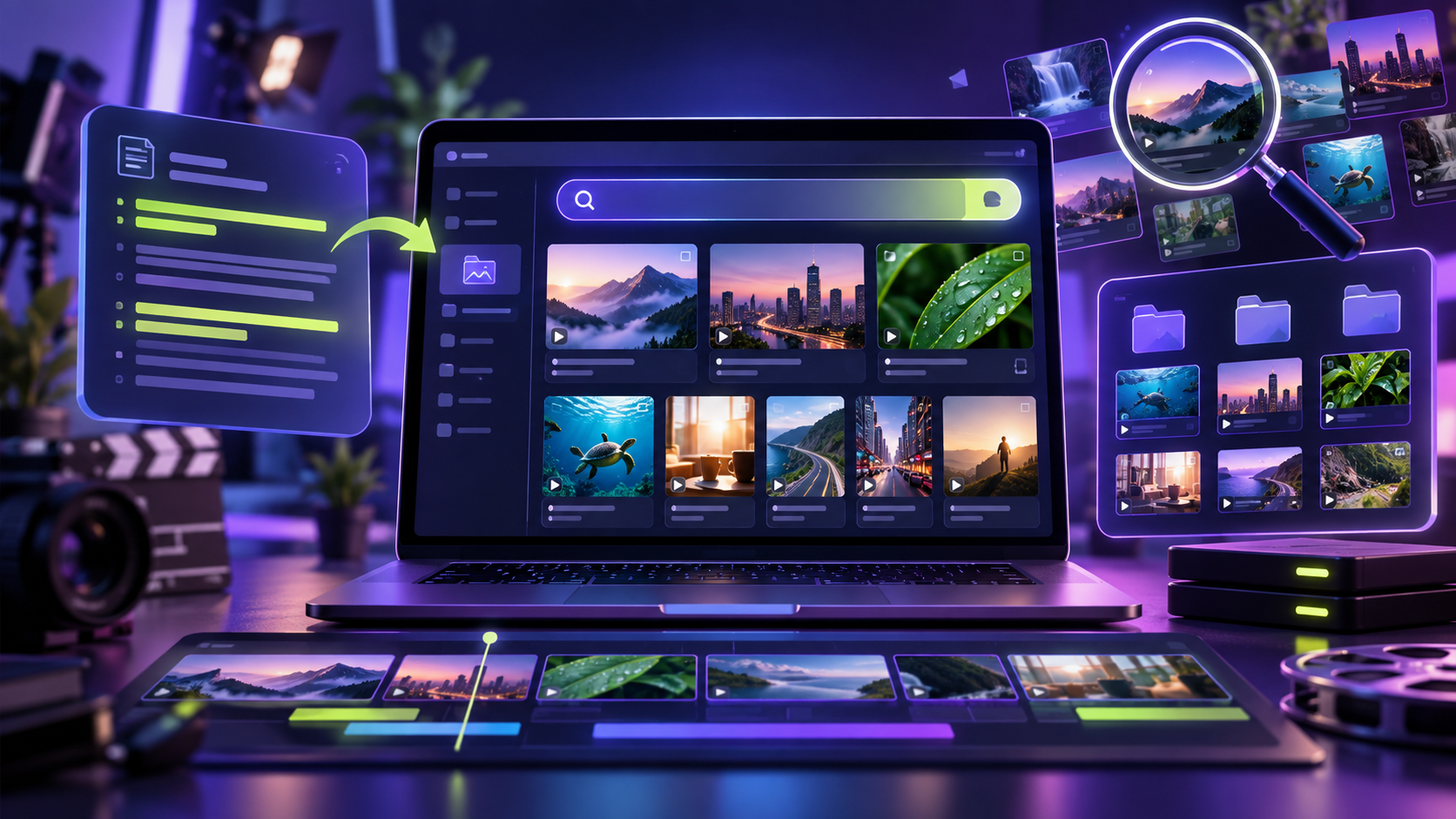 B-Rolls CollectorFind and organize visual ideasLOCKED
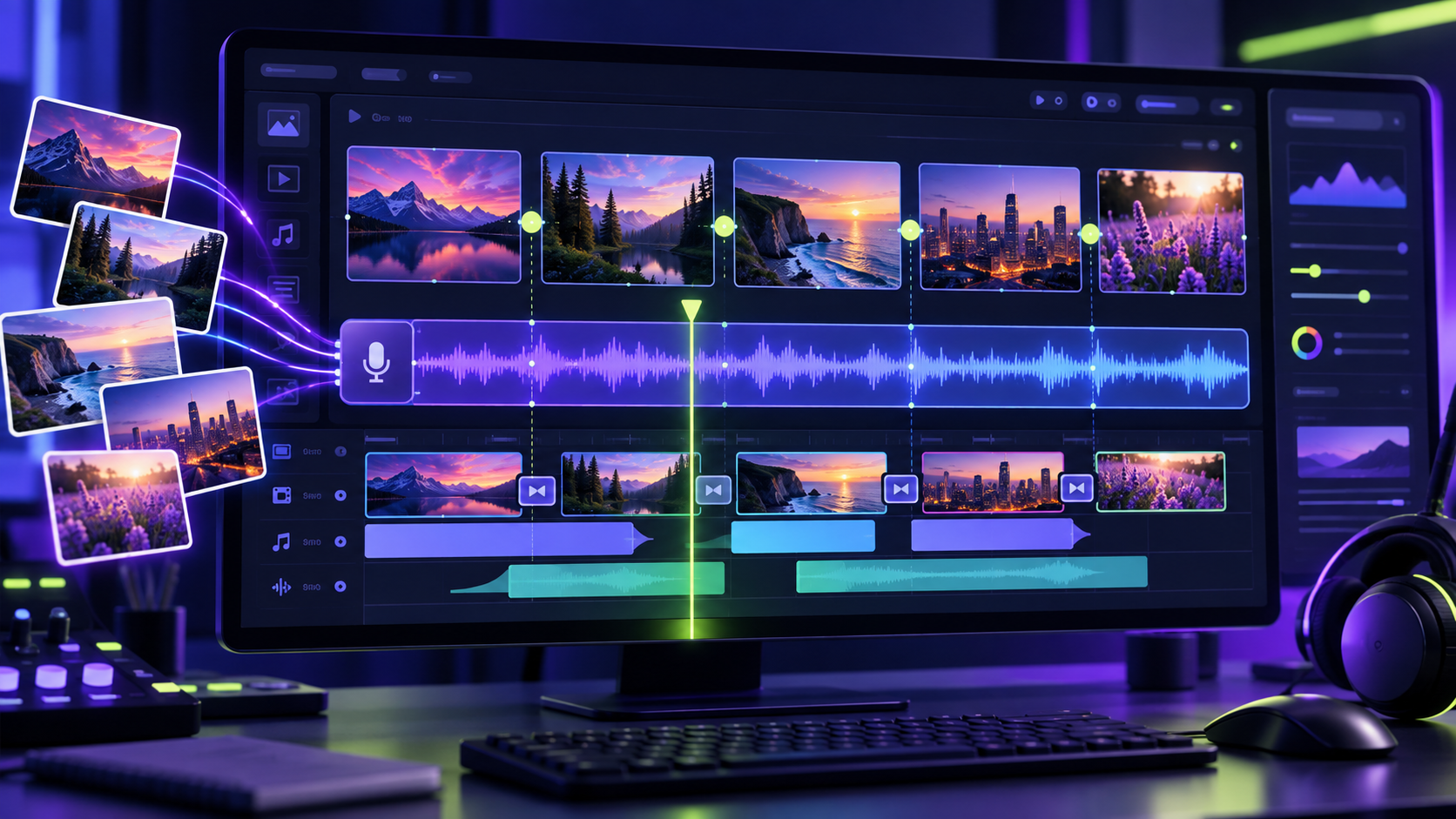 Auto Timeline StudioBuild editing timelines fasterLOCKED
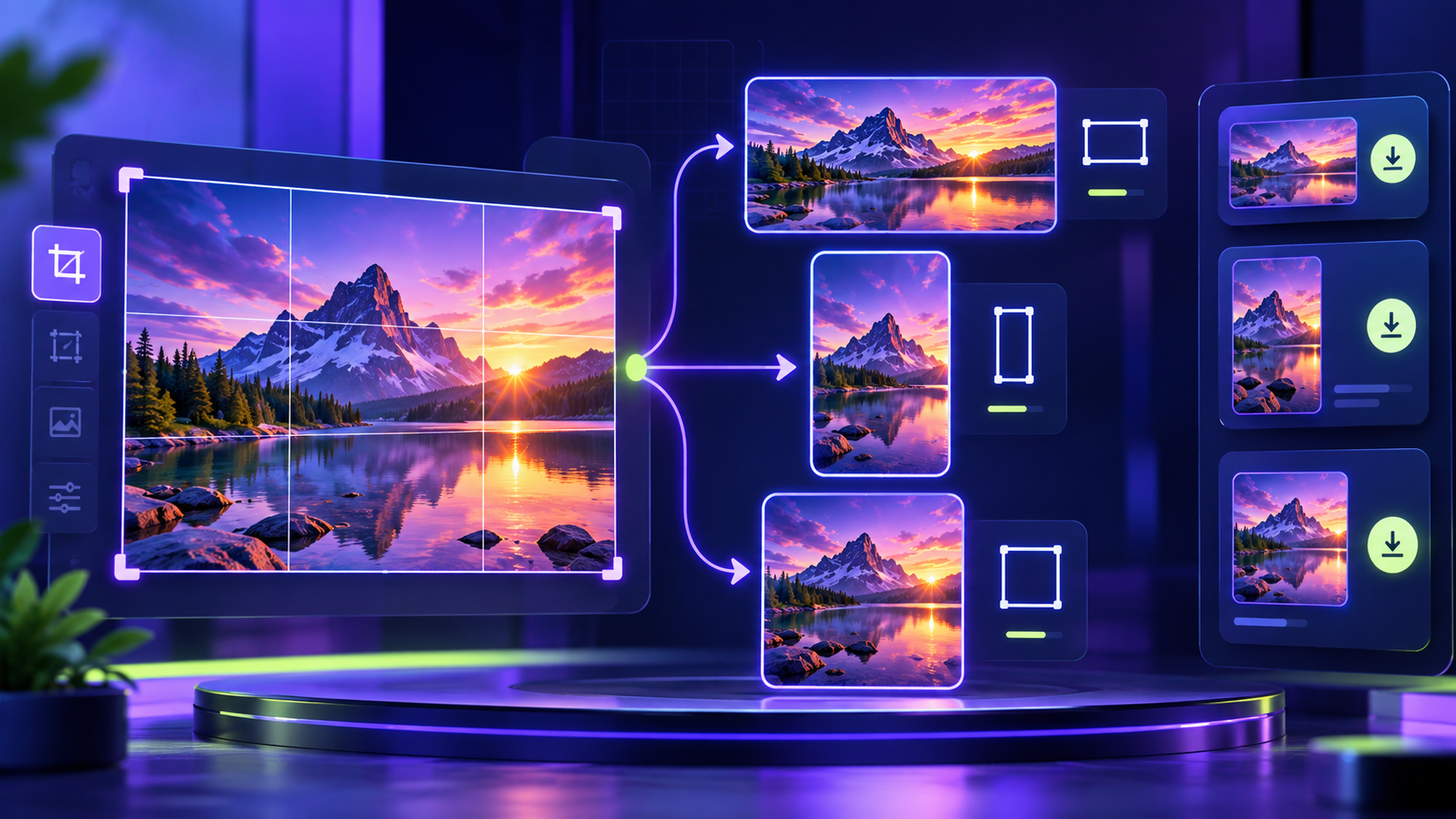 Image Ratio ResizerResize images for every platformLOCKED
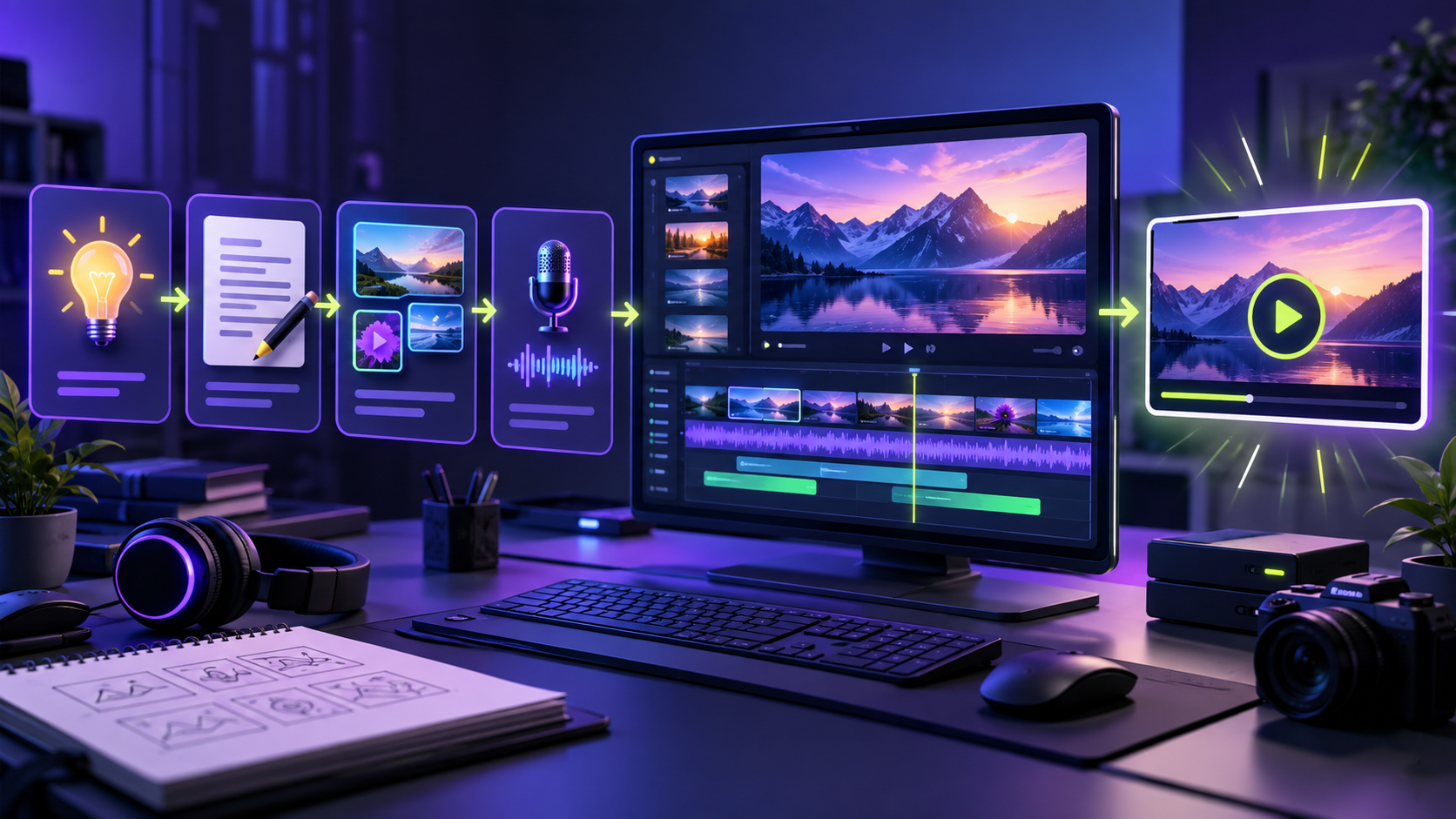 Auto Video ProductionFollow the complete video pipeline guideLOCKED
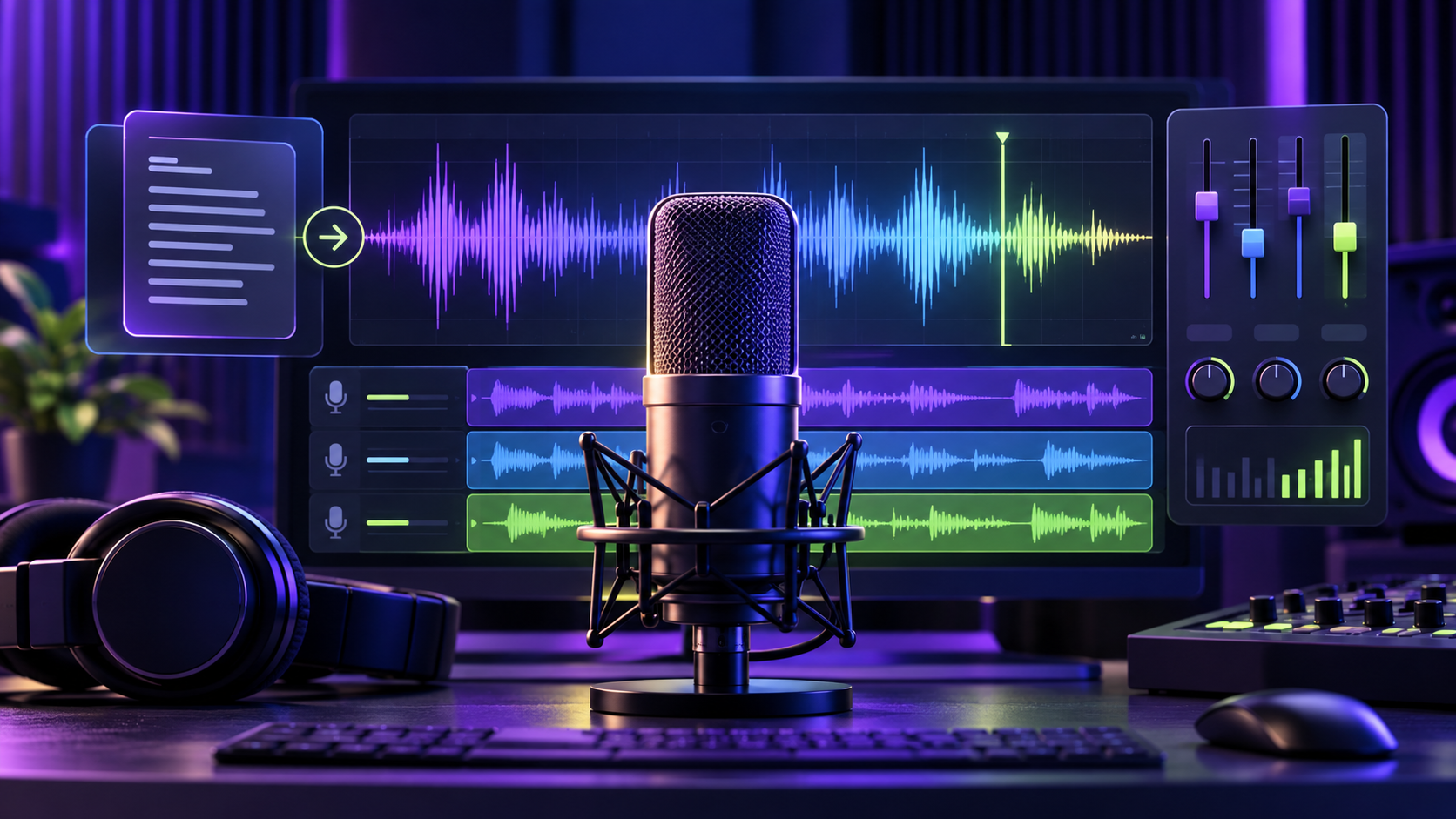 Voiceover StudioFollow the complete voiceover workflow guideLOCKED
 Bulk Image GeneratorBuild consistent visual storyboard batchesLOCKED
Six tools. One protected creator hub.
See what each tool does below. When you click a tool or guide, the Learning Hub will ask you to sign in.
01MEMBER TOOLB-Rolls Collector
Collect, organize, and manage B-roll ideas for faster YouTube video production and stronger visual storytelling.
Use Tool →Member login required02MEMBER TOOLAuto Timeline Studio
Turn your production plan into a clear editing timeline so you can structure videos and move through edits efficiently.
Use Tool →Member login required03MEMBER TOOLImage Ratio Resizer
Resize images into the right aspect ratios for thumbnails, posts, and creative assets without rebuilding each design.
Use Tool →Member login required04MEMBER GUIDEAuto Video Production
Follow the complete PDF guide for planning and running your Auto Video Production workflow.
View Guide →Member login required05MEMBER GUIDEVoiceover Studio
Open the complete PDF guide for creating and managing your Voiceover Studio workflow.
View Guide →Member login required06MEMBER GUIDEBulk Image Generator
Use the AI Visual Storyboard Studio master prompt to plan a consistent multi-scene image generation workflow.
View Guide →Member login requiredWant access to all six tools?
Get lifetime Learning Hub access for the early-student one-time price of Rs 5,999.